
Rep Sheet

Lift it. Run it. Log it right.
Most trackers quietly get things wrong. A weighted carry has both a load and a duration, and neither app that dominates this category can log both on one exercise. Change an exercise from reps to time and you lose its history. Create a custom exercise and it counts differently from a built-in one — without telling you.
Rep Sheet is built around the idea that a log should be correct. Lifting and cardio, sets and reps and weight and pace, recorded the way you actually did them, so that six months later the numbers mean something.
One log, from first set to real progress
-
Start here · Your week
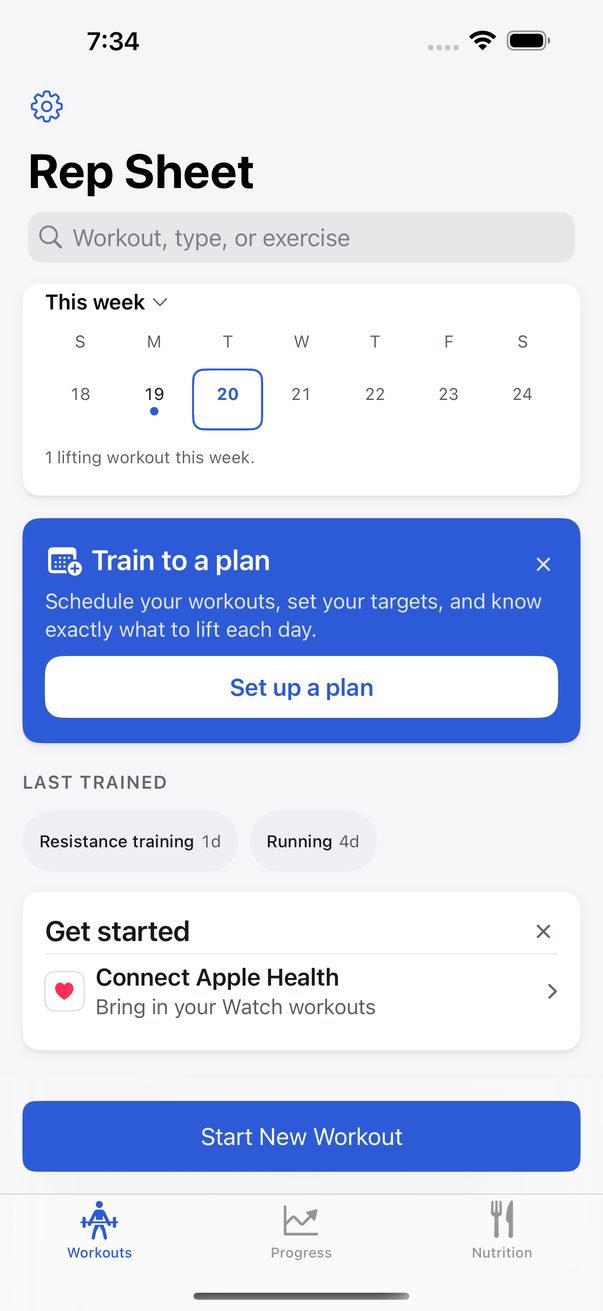
The home screen
Open Rep Sheet and your week is waiting: the days you trained, what you trained last, and every workout in order — the lifts you logged and the workouts your Apple Watch recorded, side by side.
One button starts the next session.
See more
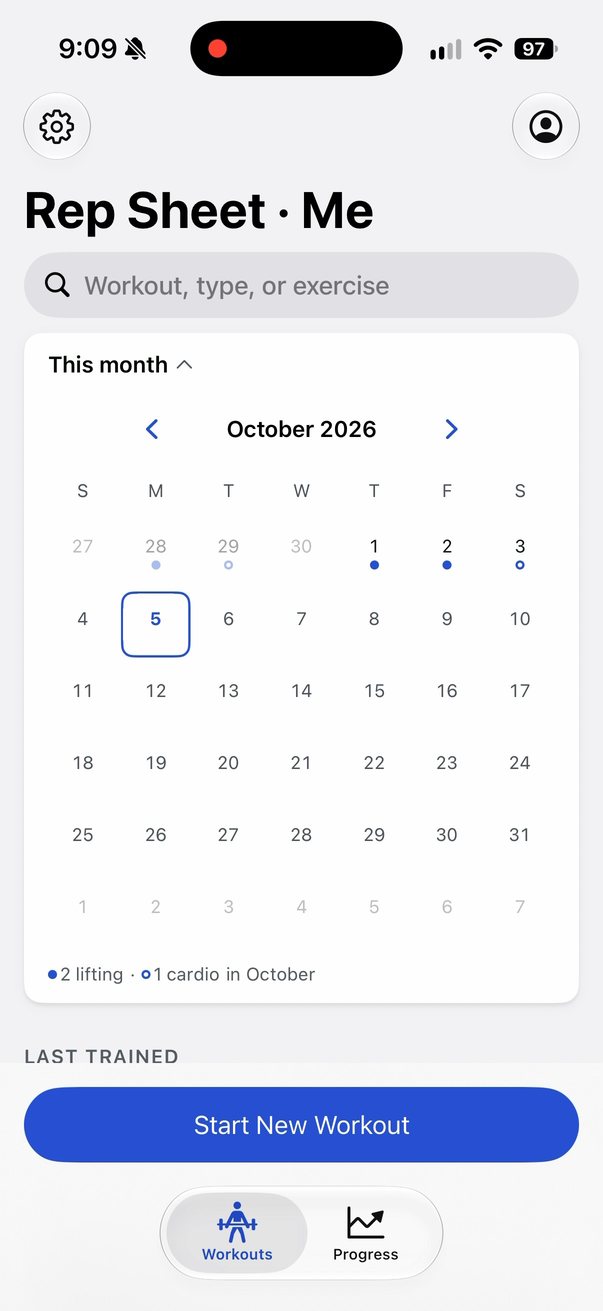
The month view: every day you trained, at a glance 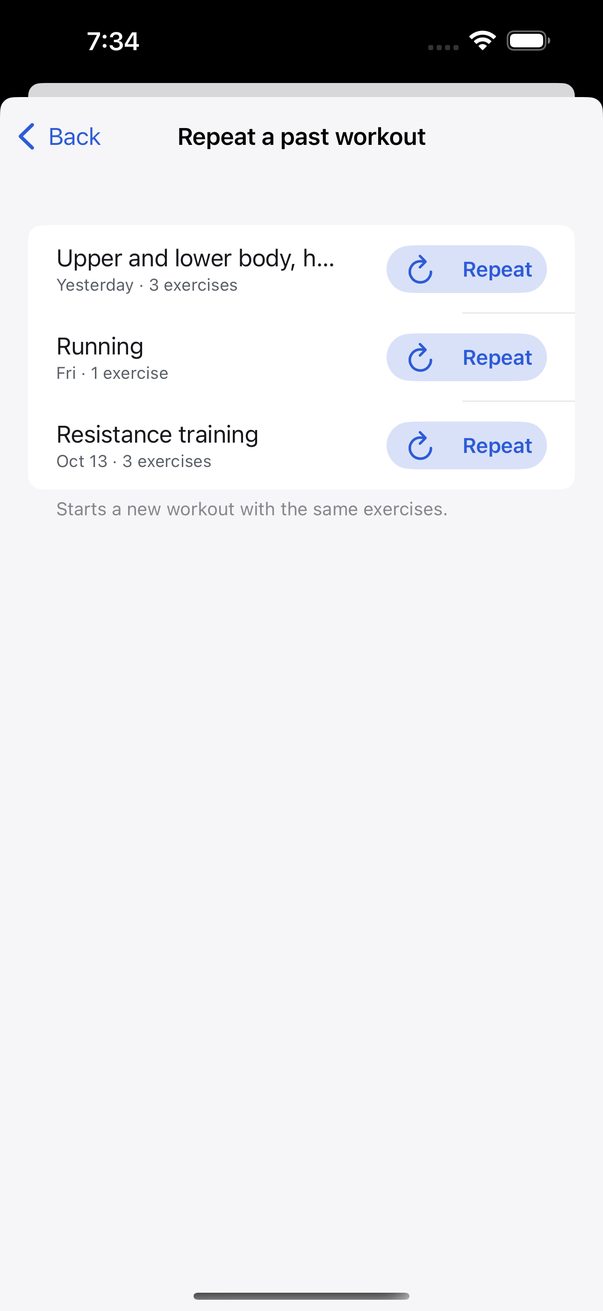
Repeat a past workout: one tap, and every set sits next to last time 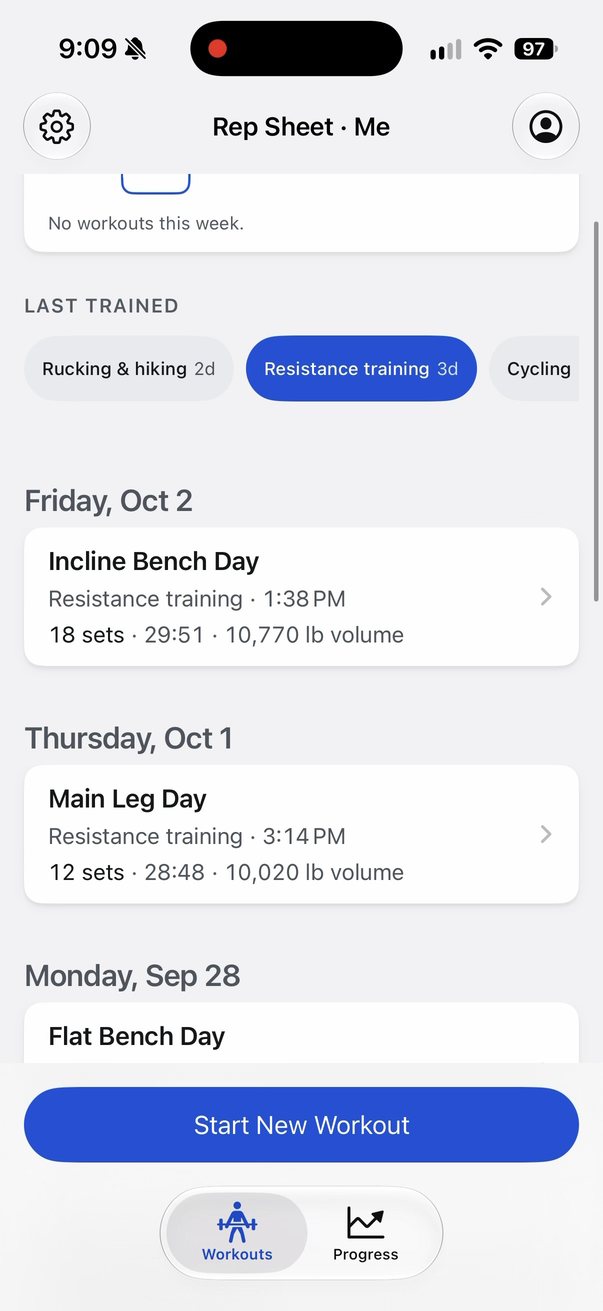
Tap a workout type to see only those -
1 · Track
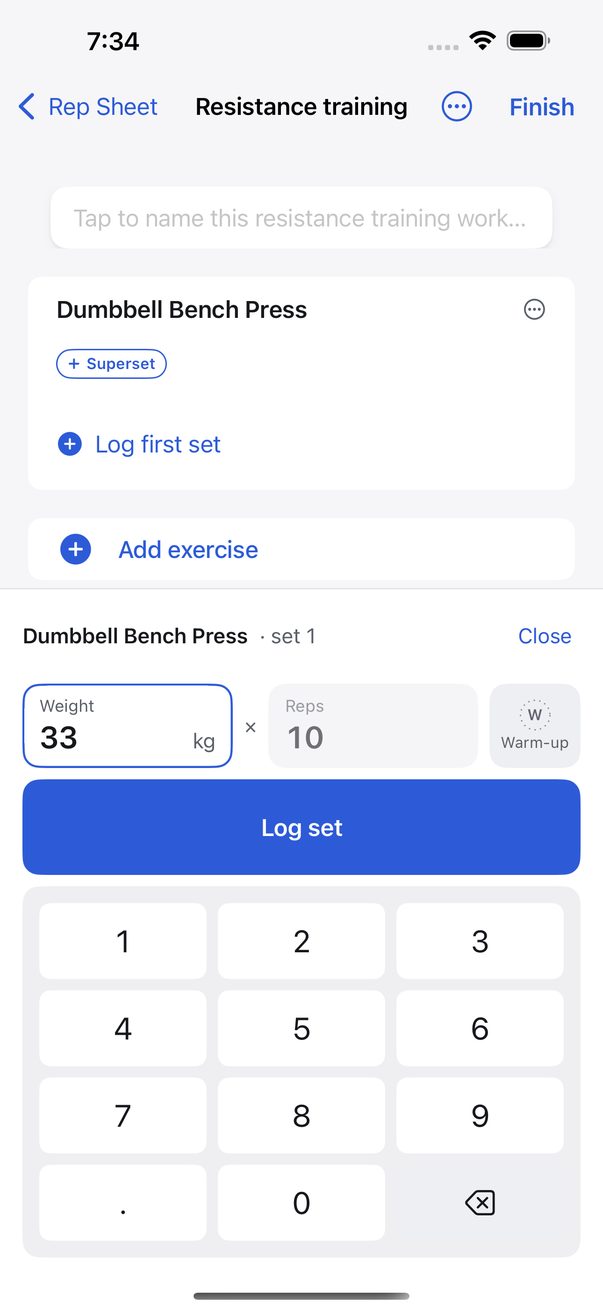
Log every set
Type the weight and reps on a big number pad, one set at a time. Repeat a past workout and every set sits next to what you did last time, so you know the number to beat.
Pair exercises into supersets, mark warm-ups, and log weight, reps, time or distance — whatever the exercise really has. Repeat a workout and your warm-ups come back as warm-ups; swipe a set to add a note or take it back.
Lock the phone and the workout follows you: the current exercise, the rest timer and the next set live on the Lock Screen and in the Dynamic Island until you finish.
See more
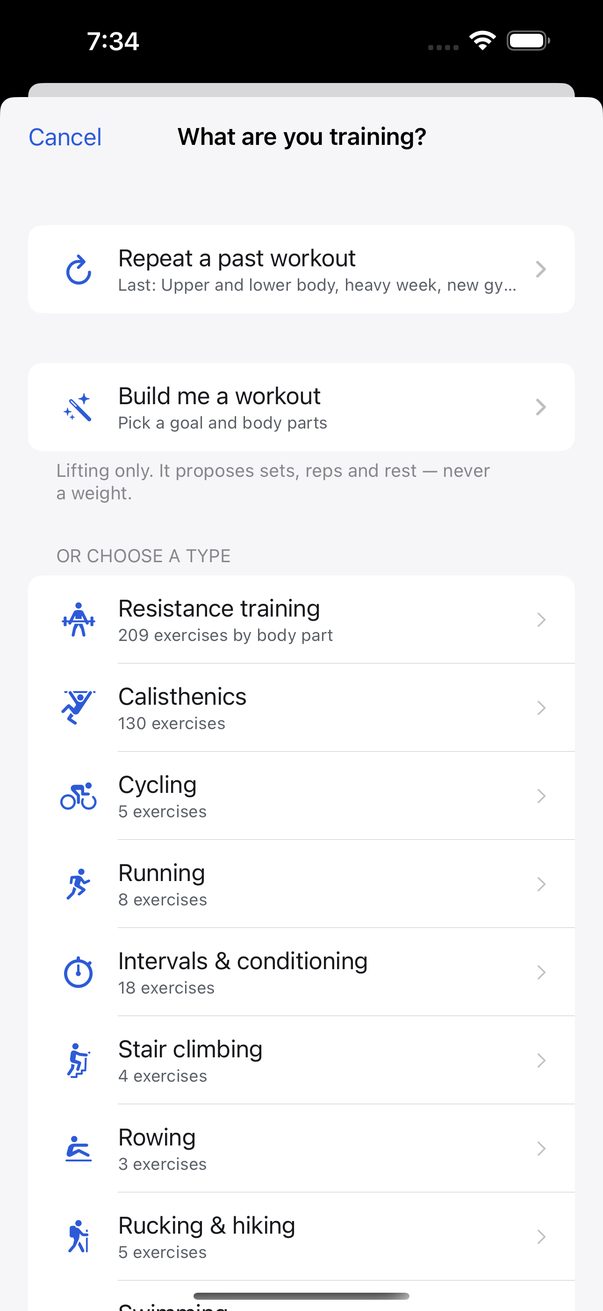
Repeat a past workout, have one built for you, or pick a type 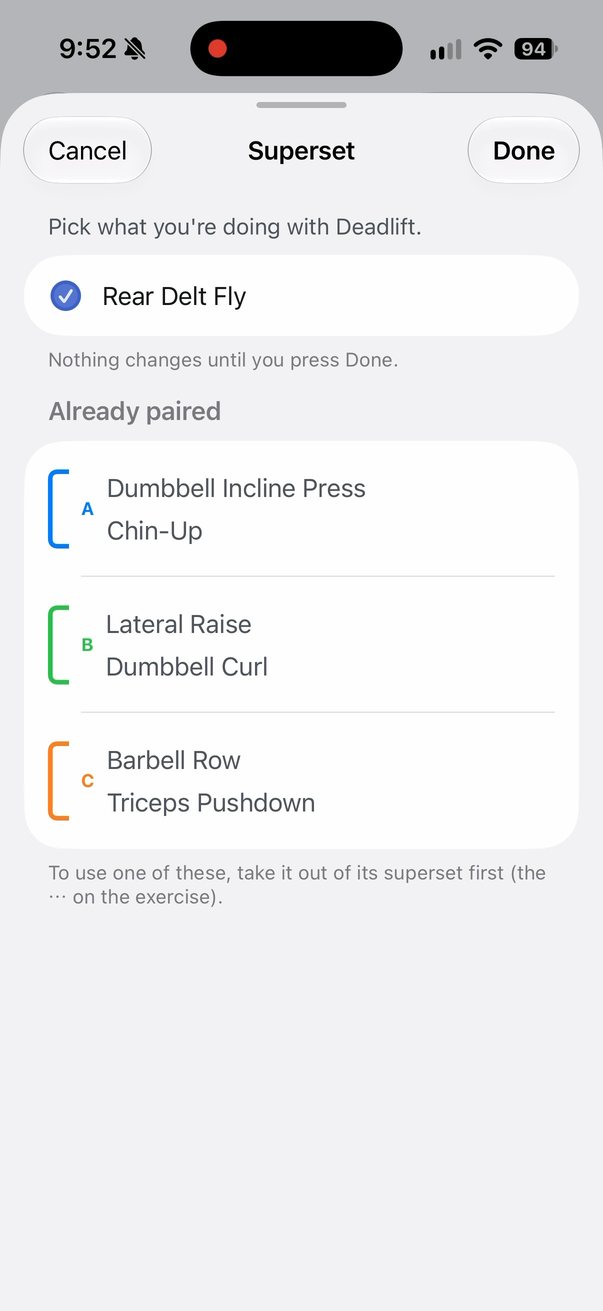
Pair exercises into a superset, color-coded 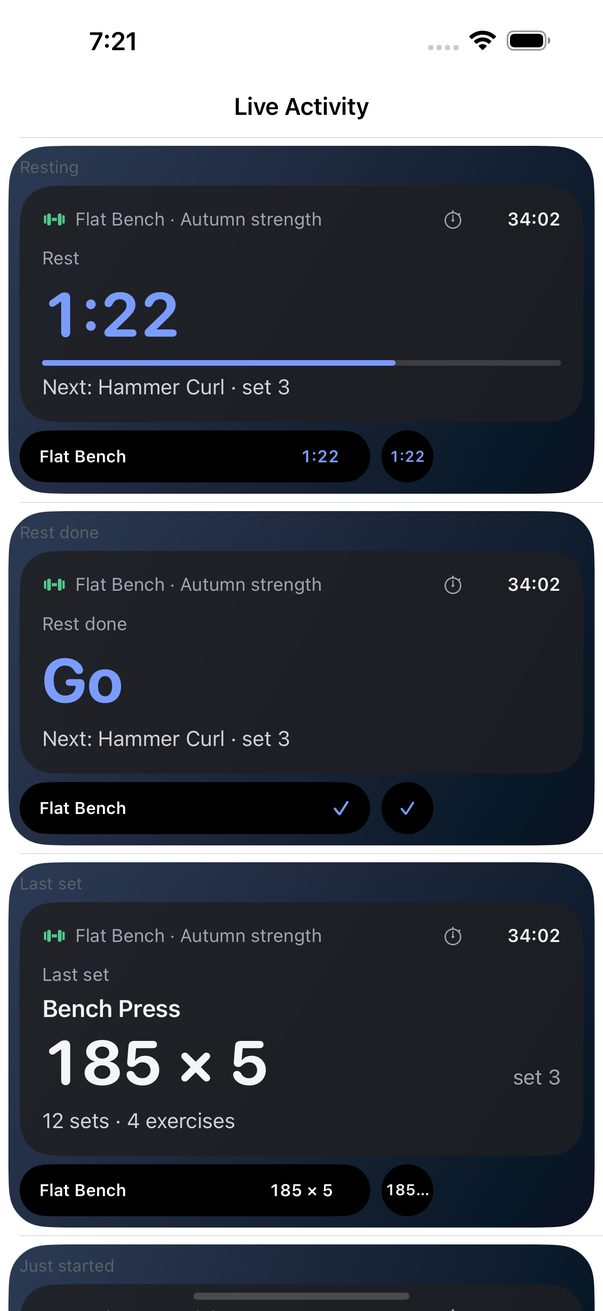
Your workout on the Lock Screen and in the Dynamic Island 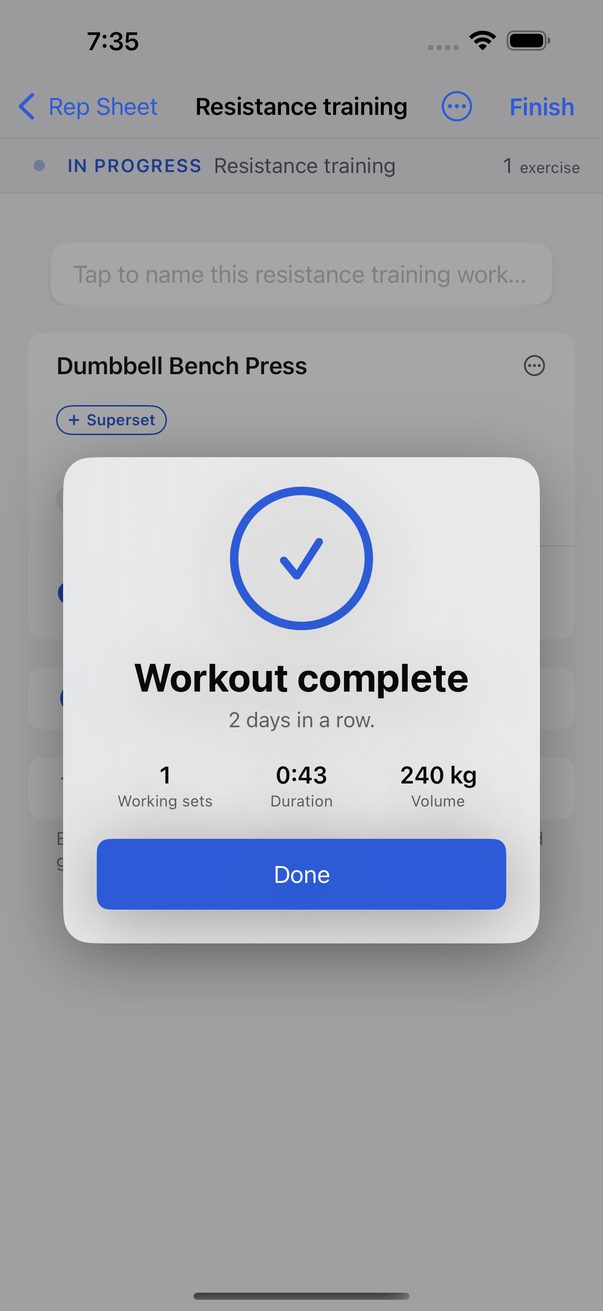
Finish, and see what you just did -
2 · Outdoors
Record it, or bring it in
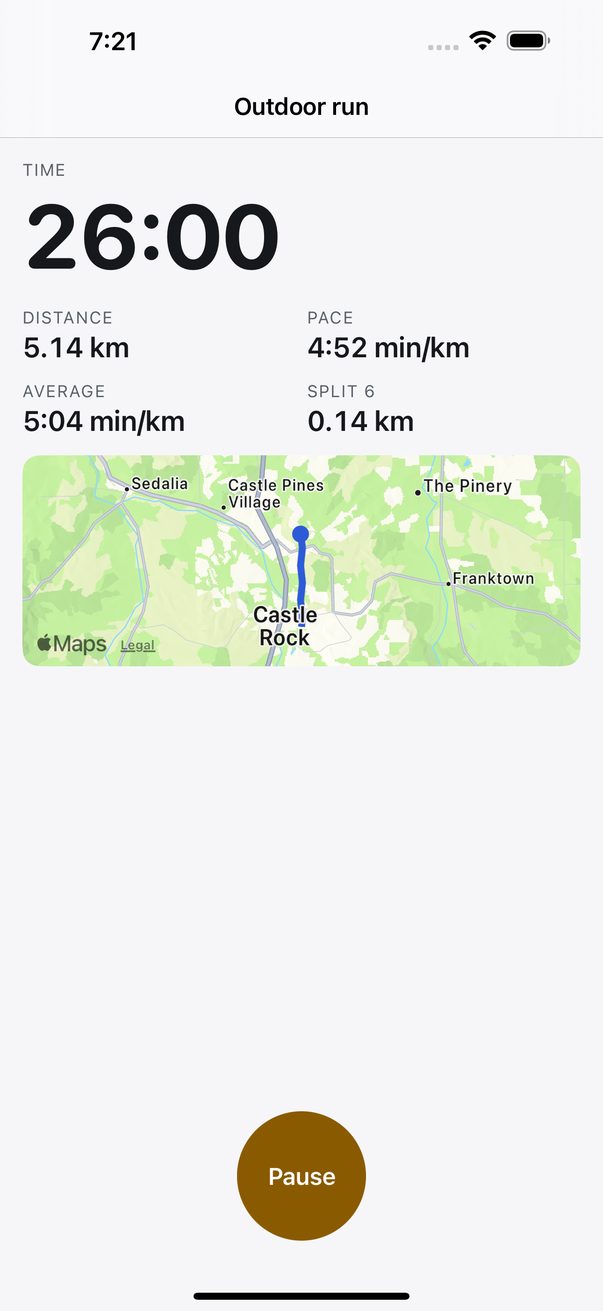
Start a running, cycling or hiking workout and tap Record with GPS: time, distance, pace and splits as you go, a live map, voice updates each kilometer or mile, and auto-pause when you stop. It keeps recording with the screen off, and saves as a set in that workout like any other — distance, time and the route.
Or turn on Apple Health and the runs, hikes and stair climbs your Apple Watch records join your history by themselves — with splits, heart-rate zones worked out the way the Watch does, and the weather on the day. Open one to see its route, colored by heart rate, pace, steepness or elevation. Routes you repeat are named and counted for you.
Location is used only while you record, and never leaves your iPhone. Rep Sheet reads Apple Health; the one thing it writes back is a run you recorded, if you let it.
See more
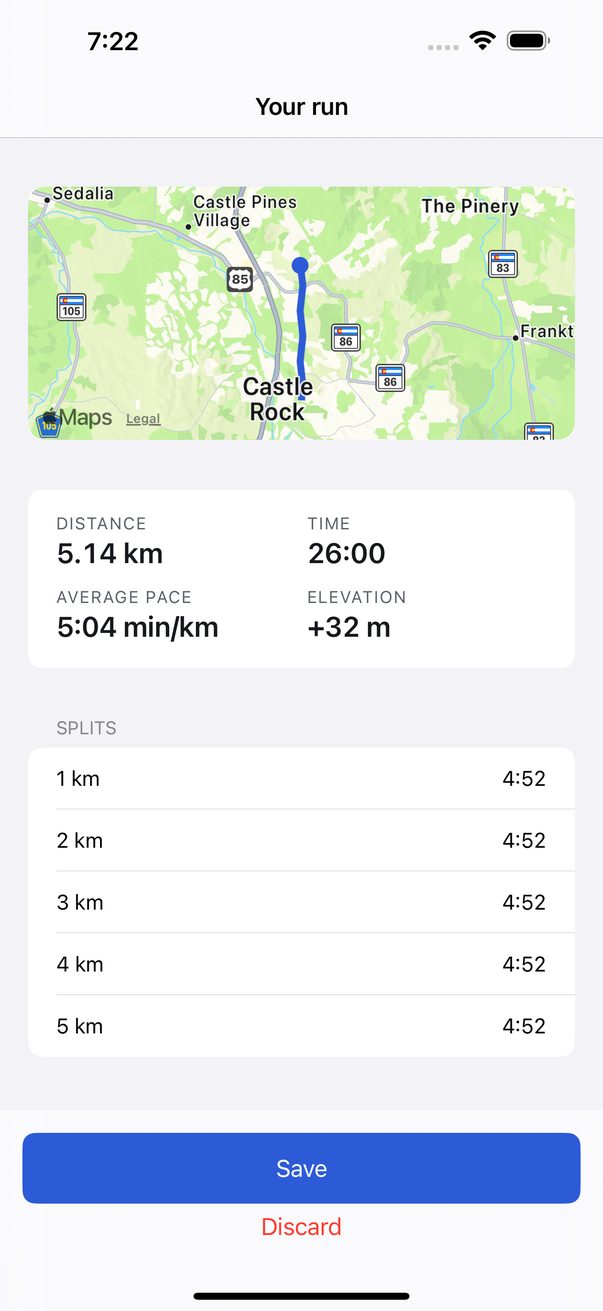
Your run: distance, time, pace, elevation and every split 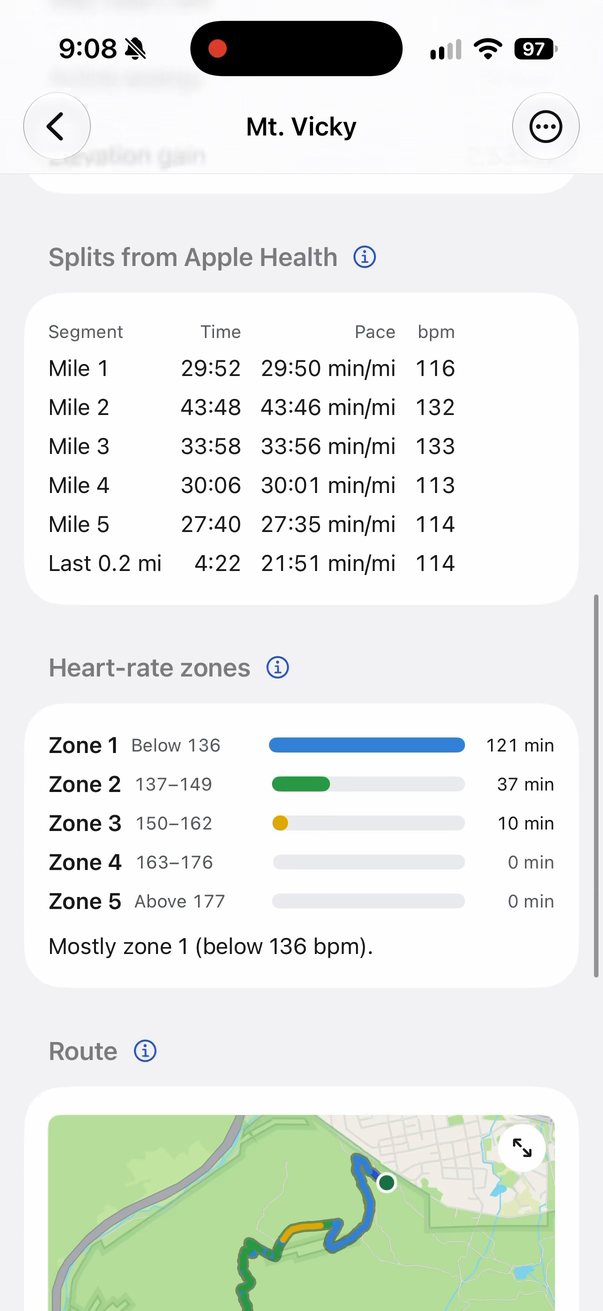
A hike from Apple Health, with mile splits and heart-rate zones 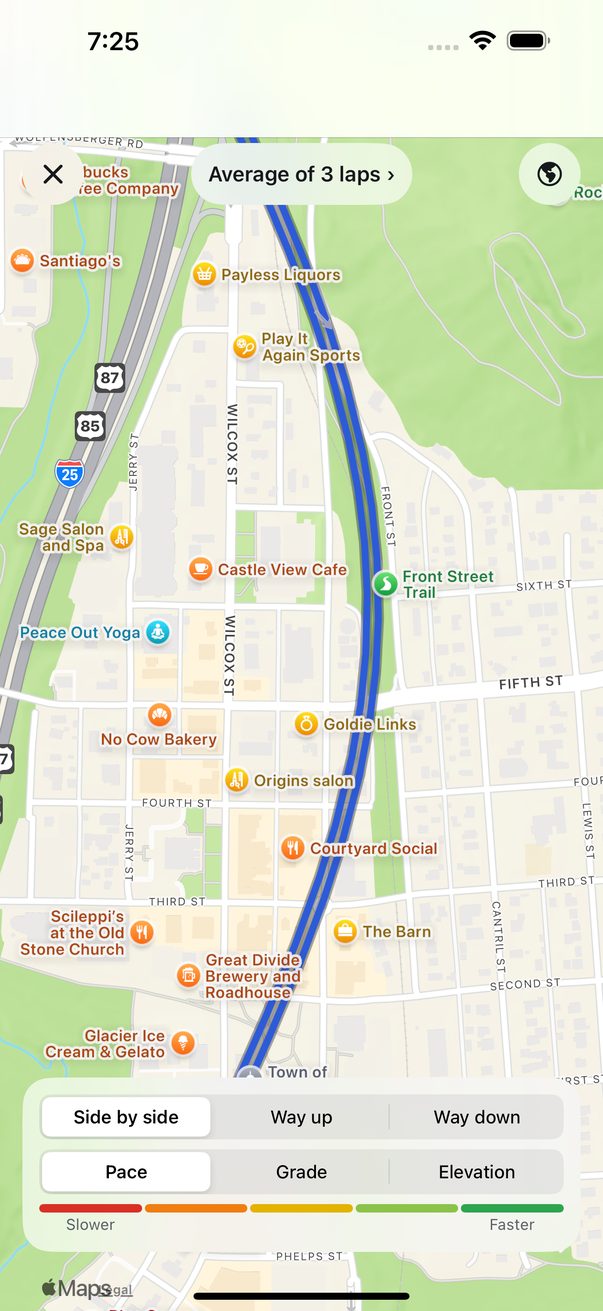
The route, way up and way down, by pace, grade or elevation 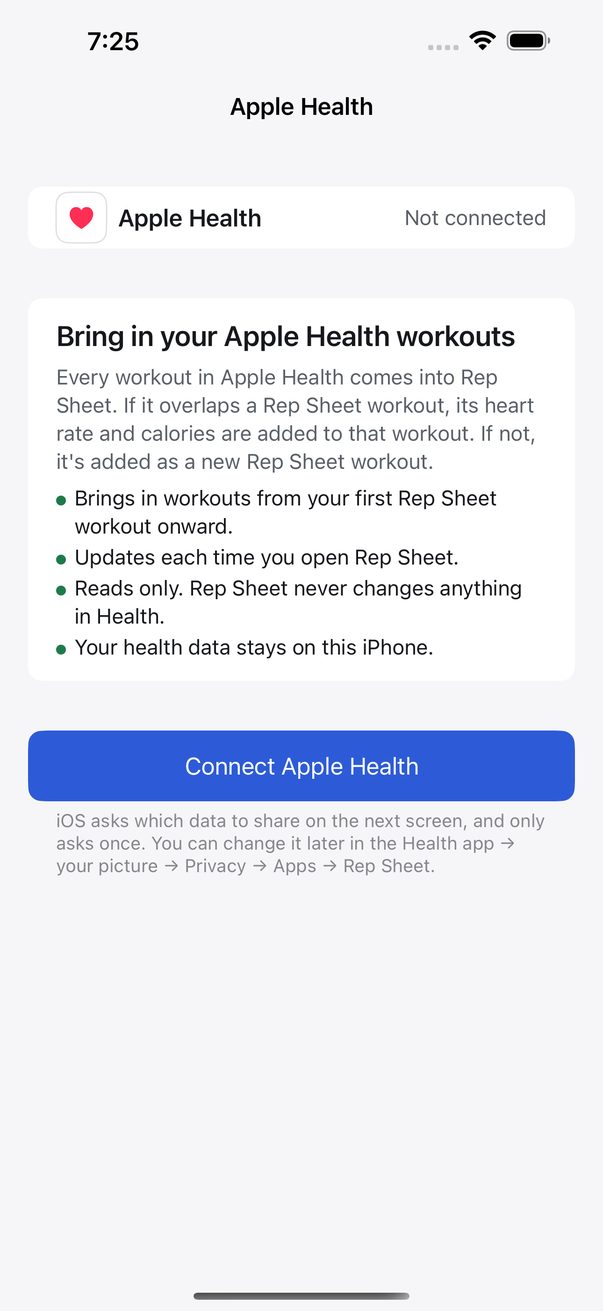
Connect Apple Health once; choose how far back it reads -
3 · Progress
See what is working
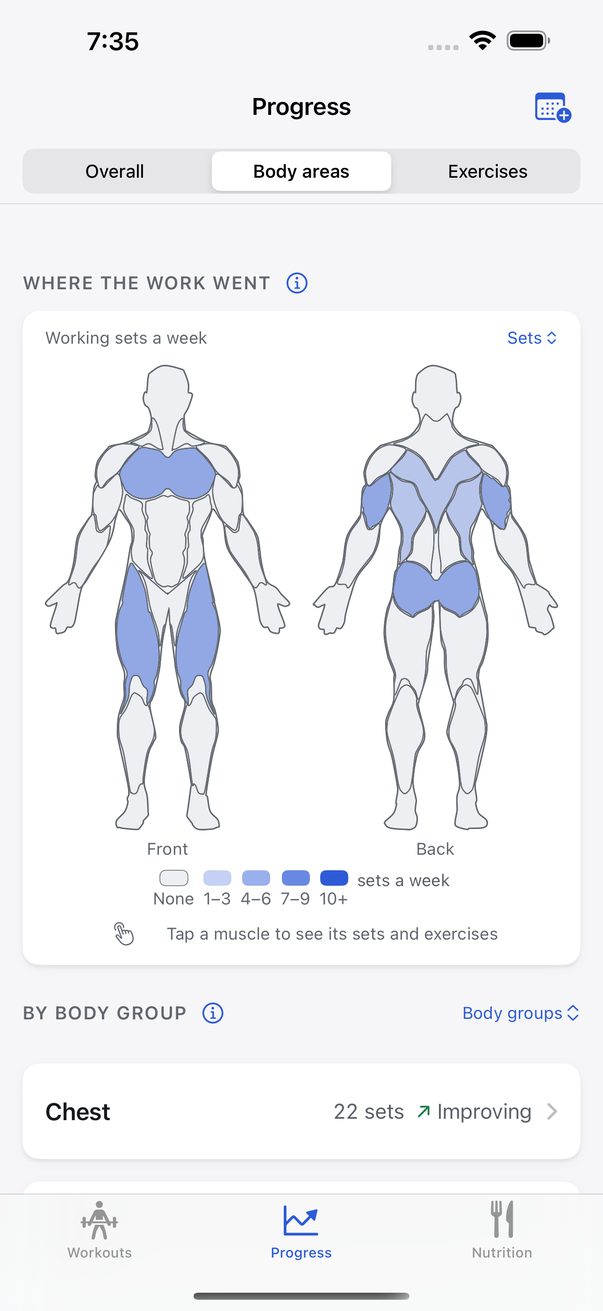
A body map shows where the work went. For every exercise, Rep Sheet says plainly whether you are improving, holding or slipping — and how it worked that out is one tap away.
Group your weeks into a training block — a strength phase, a race build — mark the deload weeks, and look at your progress for just that block.
Progress analytics are free for the first 90 days and part of the one-time unlock after that.
See more
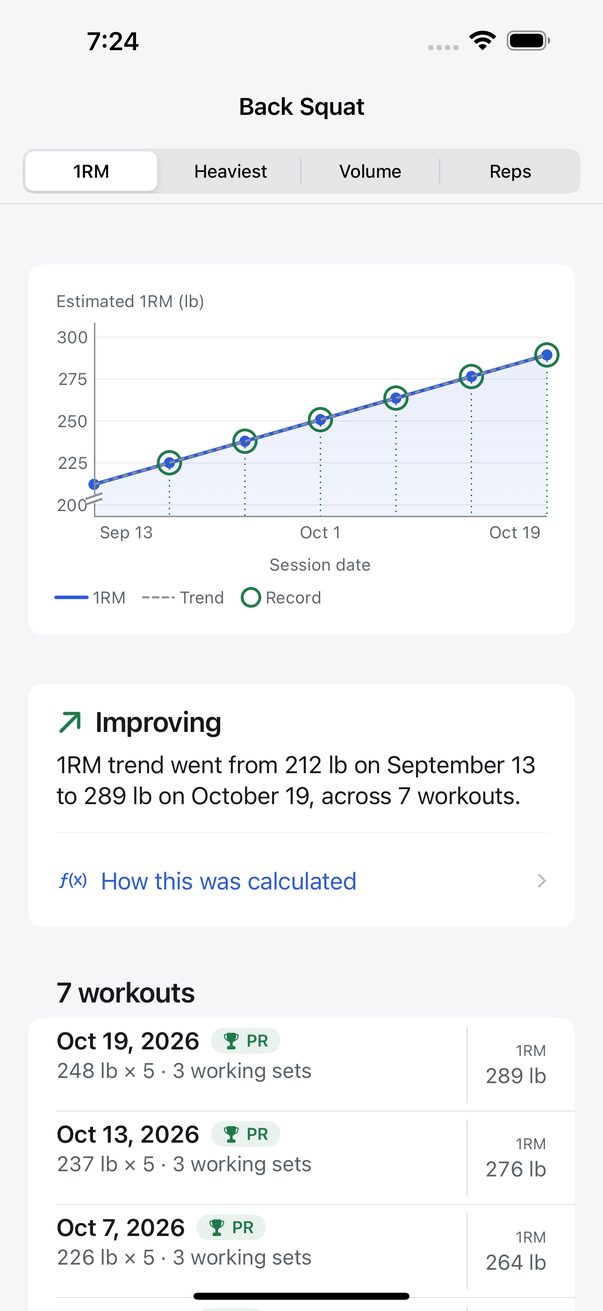
Each exercise: estimated one-rep max, its trend, and the workouts behind it 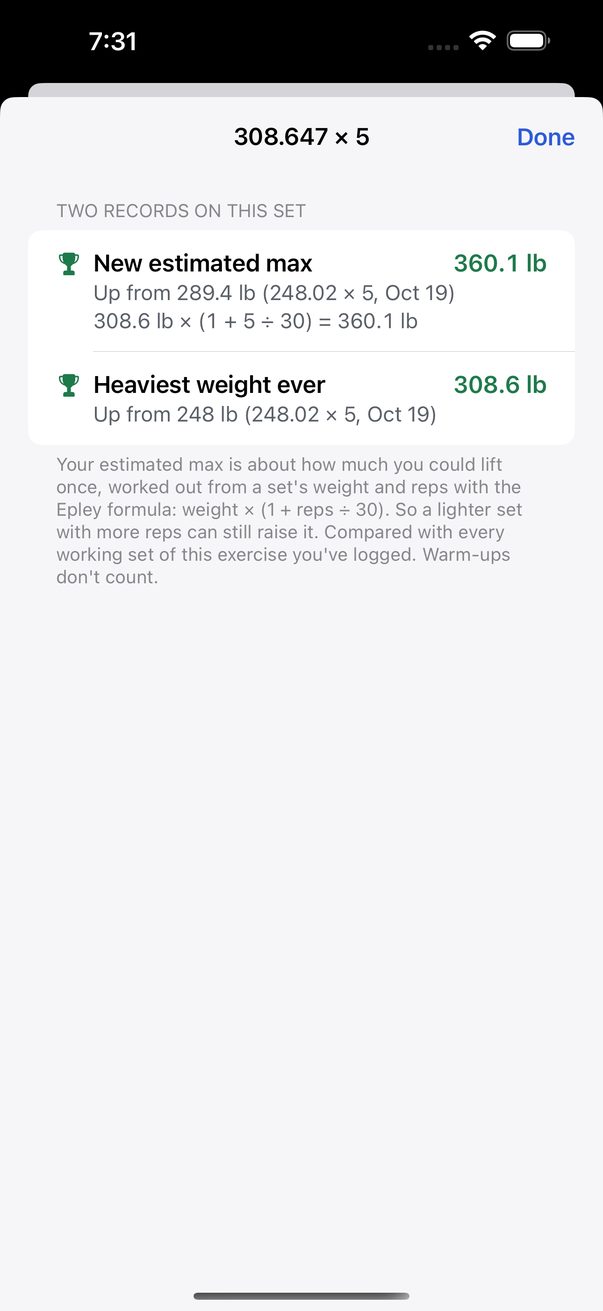
A record, and exactly how the number was worked out 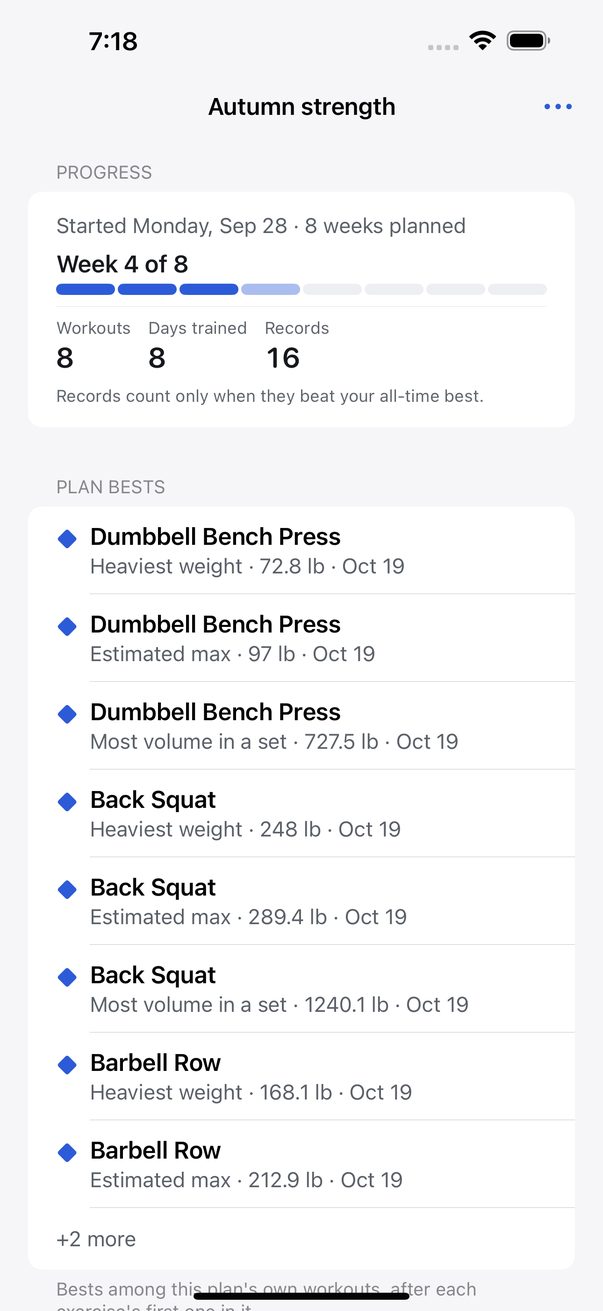
A training block: week 4 of 8, with deload weeks marked -
4 · Plan
A plan built for you
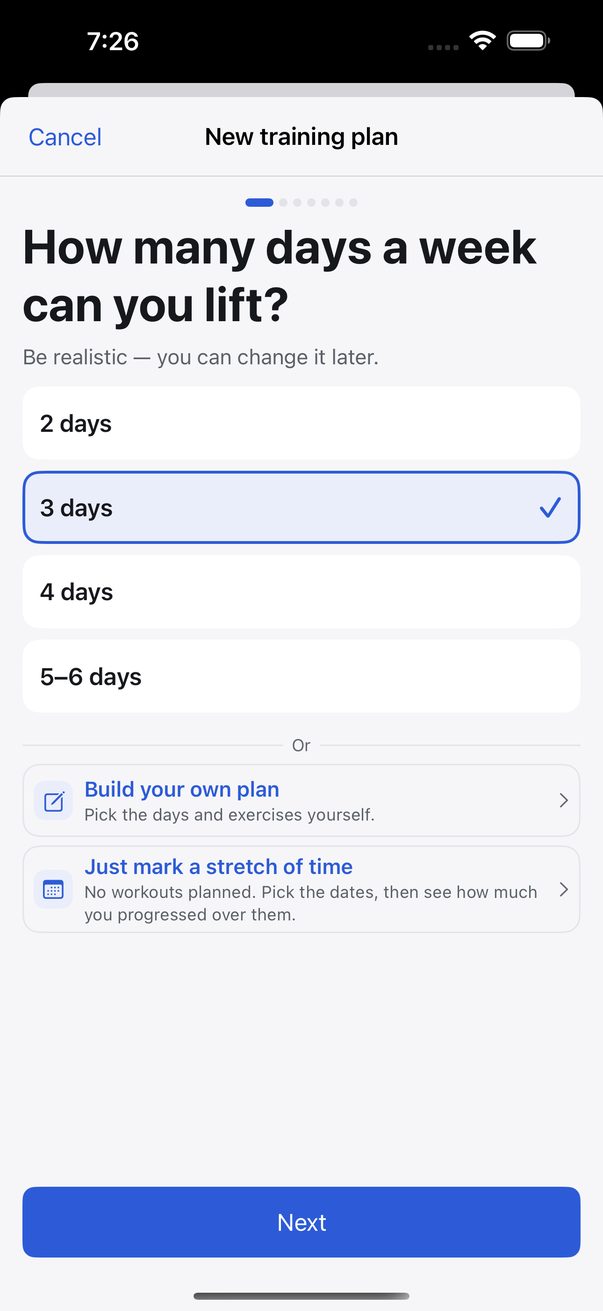
Answer three questions — days a week, what for, extra focus — and Rep Sheet builds a multi-week training plan: each day’s exercises, sets and rep targets, with the weights stepped up from your own estimated max. Today’s session waits on the home screen; do a different day when life gets in the way.
Optional nutrition tracking logs calories and macros from a built-in food list, sets a goal that tapers week by week, and plans your meals — the same every day, a week that repeats, or targets only — lined up with your training plan.
Plans and nutrition are free for the first 90 days and part of the one-time unlock after that.
See more
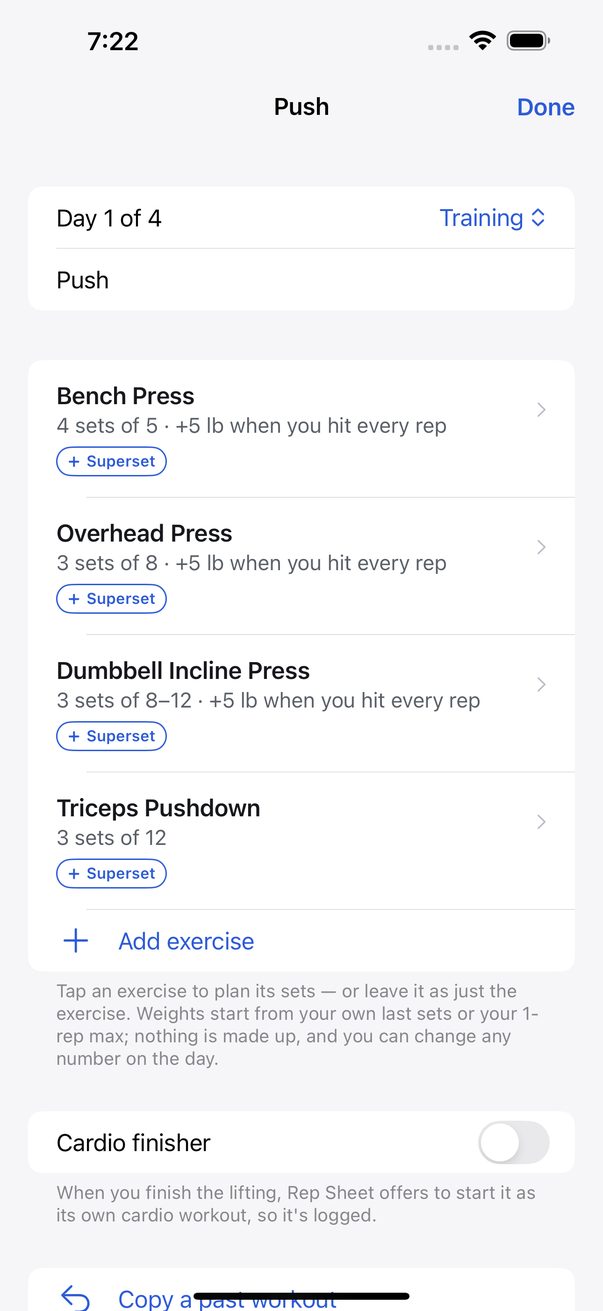
A plan day: sets, reps and weights from your max 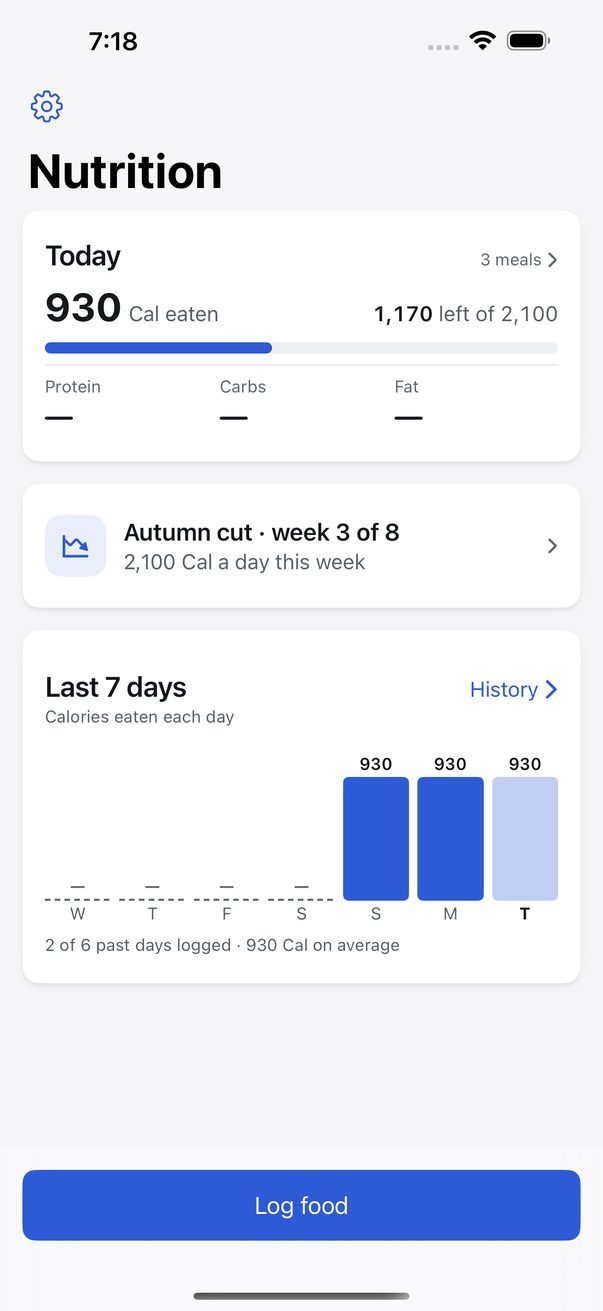
Nutrition: today, your plan, the last 7 days 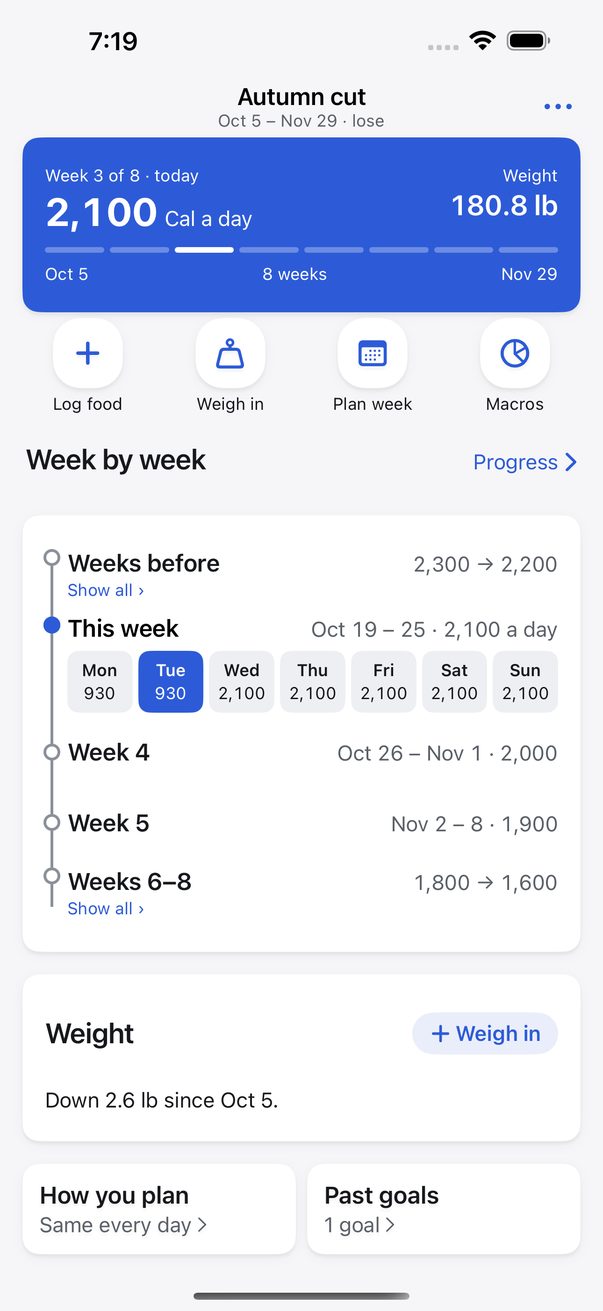
A cut, week by week: targets that taper -
5 · Profiles
Two people, one phone, one purchase
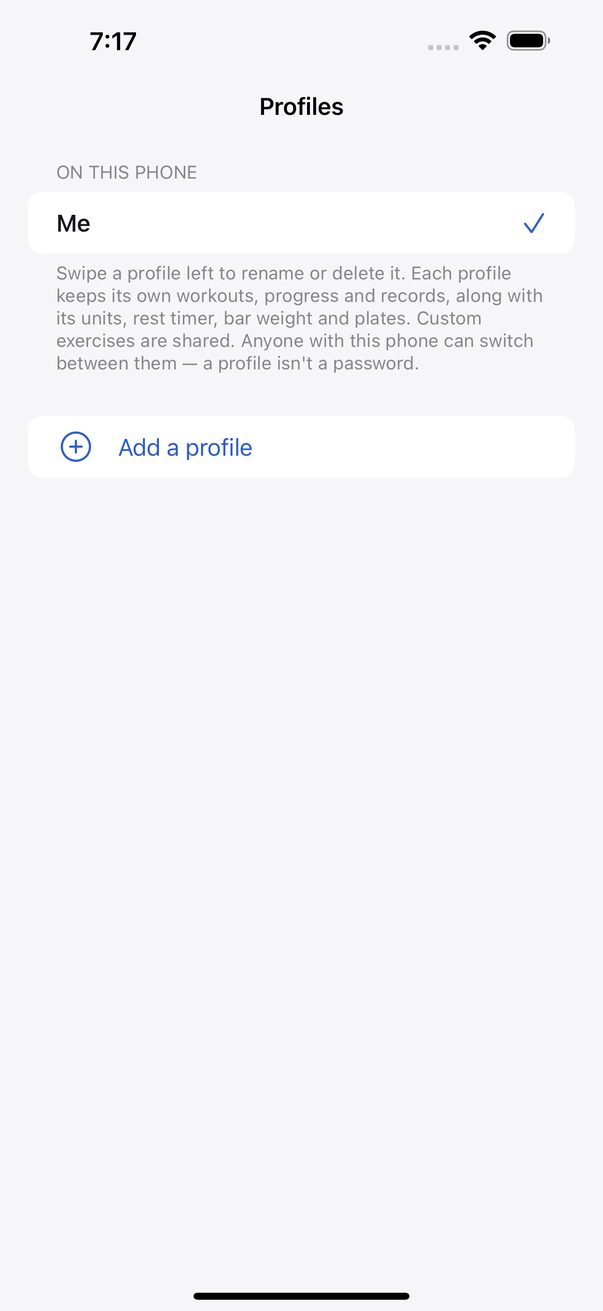
If you and a partner train off the same phone, each of you gets your own history, your own exercise settings and your own units. Training together? Switch between your workouts mid-session.
One unlock covers every profile, and a backup carries all of them, not just the one on screen.
-
6 · Your data
Yours, whether or not you pay
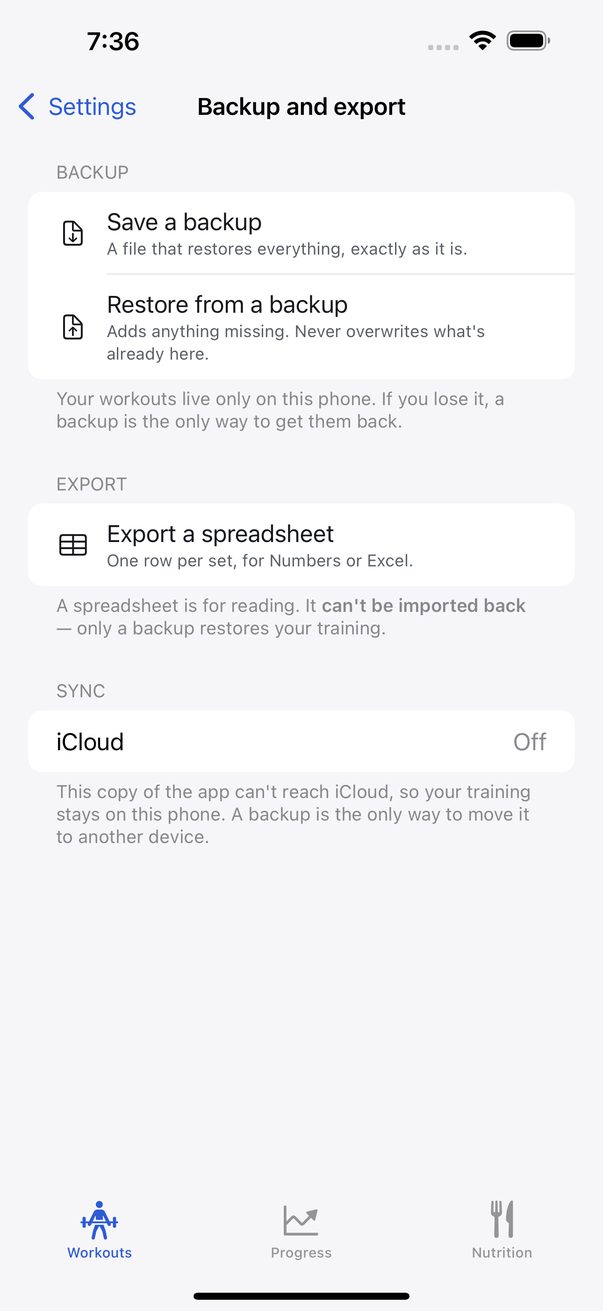
Save a backup is one file that restores everything exactly as it was. Export a spreadsheet gives one row per set for Numbers or Excel. Both are free, always.
Everything stays on your iPhone, plus your own private iCloud if you turn it on. Deleted something by mistake? It waits in Recently deleted for five days.
Something not working? Contact support in Settings sends us a message — what you typed, a screenshot if you add one, and nothing about your workouts, food or health.
See more
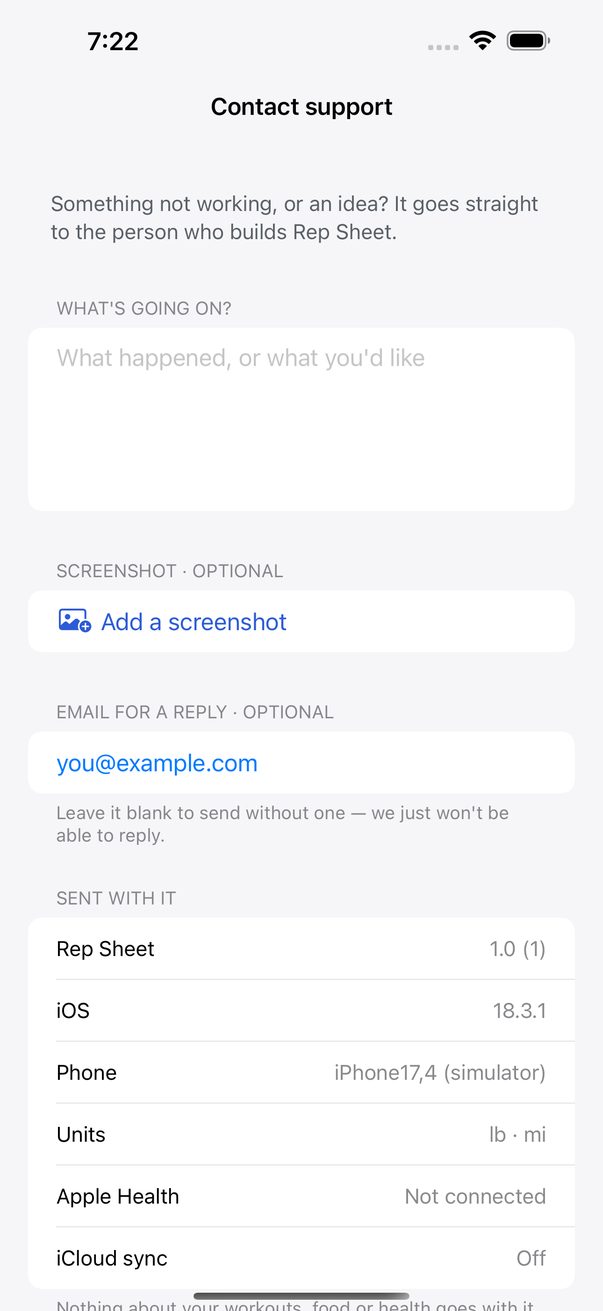
Contact support from inside the app; a reference code comes back 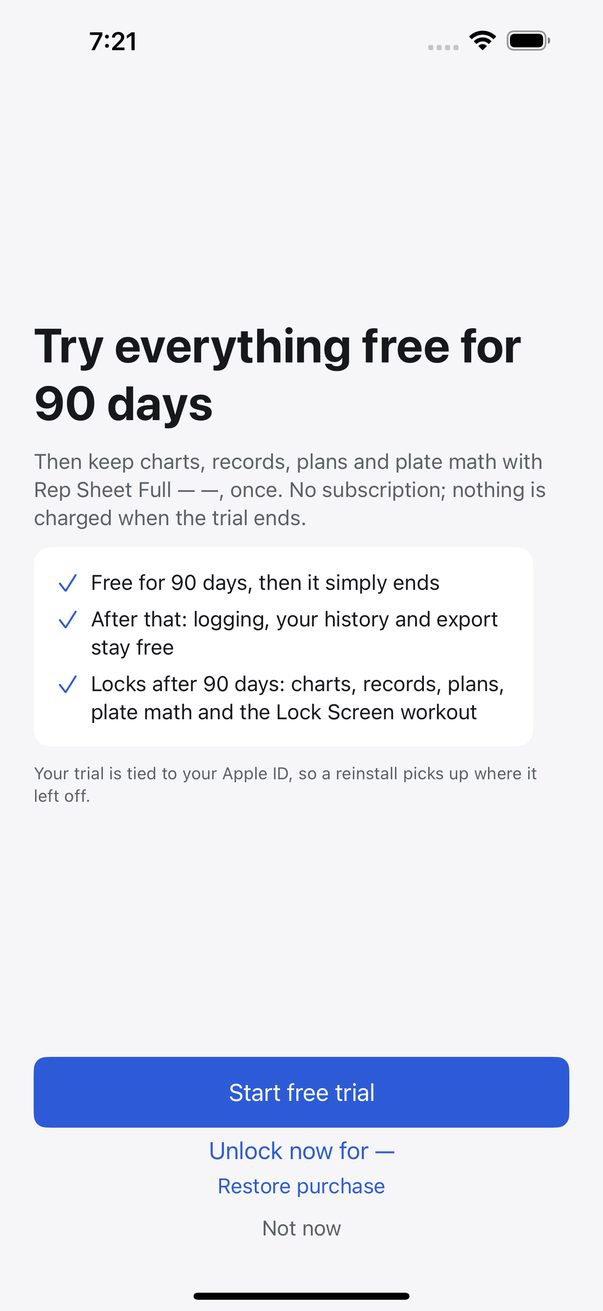
Day one: everything free for 90 days, and what stays free after
Screenshots from the app in development, Oct 20, 2026 — most from its automated tests, the Apple Health hike from a real phone.
What it costs
Free to download, and everything is free for 90 days — the trial runs through the App Store, not a clock inside the app, so it follows your Apple ID. After that, logging your workouts stays free, and so does your data: history, backup and export are never locked. Rep Sheet Full — one purchase of $19.99, no subscription, shared with your family — keeps progress charts and records, training and nutrition plans, plate math and the Lock Screen workout.
Before you train
Rep Sheet is a log, not a coach. It does not know your medical history, your injuries or your medication, and nothing it suggests is medical advice or a substitute for a qualified professional. Talk to a physician before starting a program, do not follow a suggestion you are not confident is safe for you, and stop if something hurts. Full detail in the terms of use.