
Beamling

A little light show for little hands.
Beamling grows with a child. It has five modes, each a small step on from the last — from simply watching colour to putting a puzzle back together. You choose the one that fits where your child is today, and move them along as they grow.
One watch, from first look to first puzzle
-
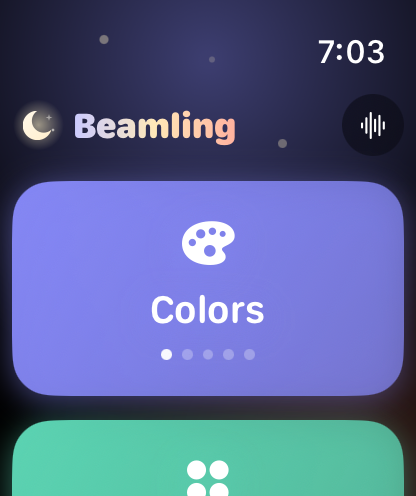
Start here · Choose their level
The home screen
All five modes sit on the home screen in order, simplest first. The dots on each card show its level — one for Colors, five for Puzzles — so you can see at a glance which fits your child today.
Scroll with a finger or the Digital Crown, tap the one that fits, and hand the watch over. When they are ready for more, move them one card along.
-
1 · Watching
Colors
The first thing a baby does is look. Colors fills the screen with one bright, gentle colour after another, gliding slowly from each to the next. Nothing to do but watch.
-
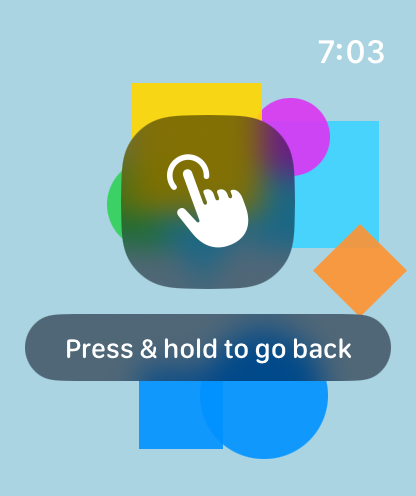
2 · Reaching
Shapes
Soon they reach for what they see. Soft, colourful shapes drift across the screen, and a tap pops them — the first time the watch answers back.
-
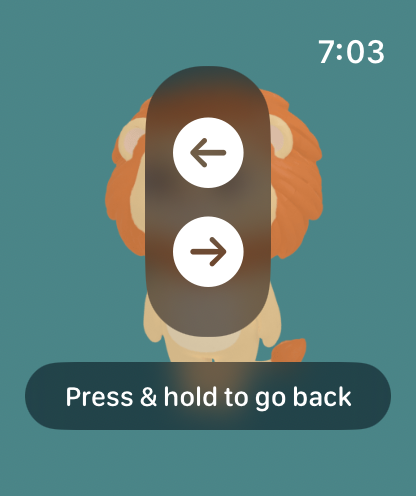
3 · Recognising
Animals
An elephant, a lion, a monkey, an eagle and a zebra. Tap one and it moves — a stomp, a roar, a flap of wings. Swipe to meet the next.
-
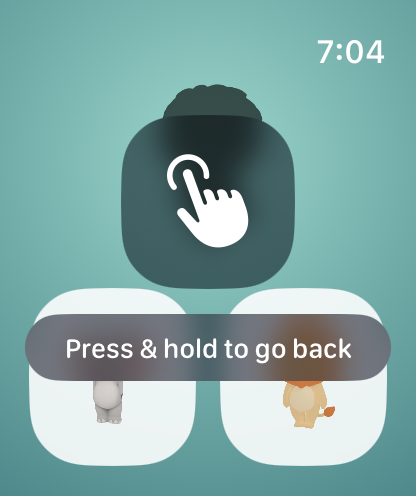
4 · Matching
Match
An animal’s shadow, and two cards to choose from. Pick the right one and the animal steps out to fill the screen.
-
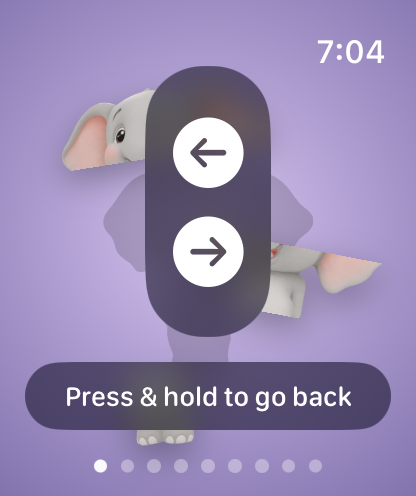
5 · Building
Puzzles
Drag the pieces to put an animal back together, or drop shapes into the holes they fit. Finish one and it comes to life. No score, no timer.
Early screenshots from the app in development. The “press & hold to go back” reminder shown on each screen fades a moment after the screen opens.
Made to be handed over
Leaving a screen takes a deliberate press-and-hold, which small hands rarely do by accident. There are no ads, no in-app purchases, no links out of the app, no accounts, and nothing about your child is collected — see the privacy policy.
It runs on the watch alone. Gentle taps on the wrist can be switched off on the home screen.
What it costs
The plan is $3.99, once. Everything is included: no in-app purchases, no subscription and no ads.
Before you hand it over
Beamling is screen time. Stay with your child while they use it, keep sessions short, and take the watch back if it stops being fun.